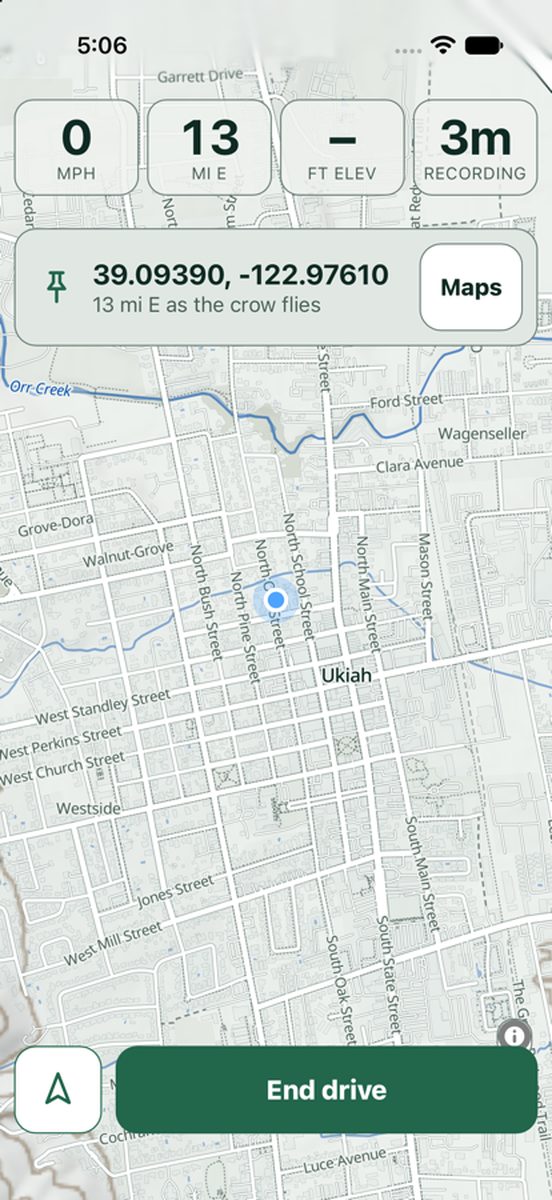
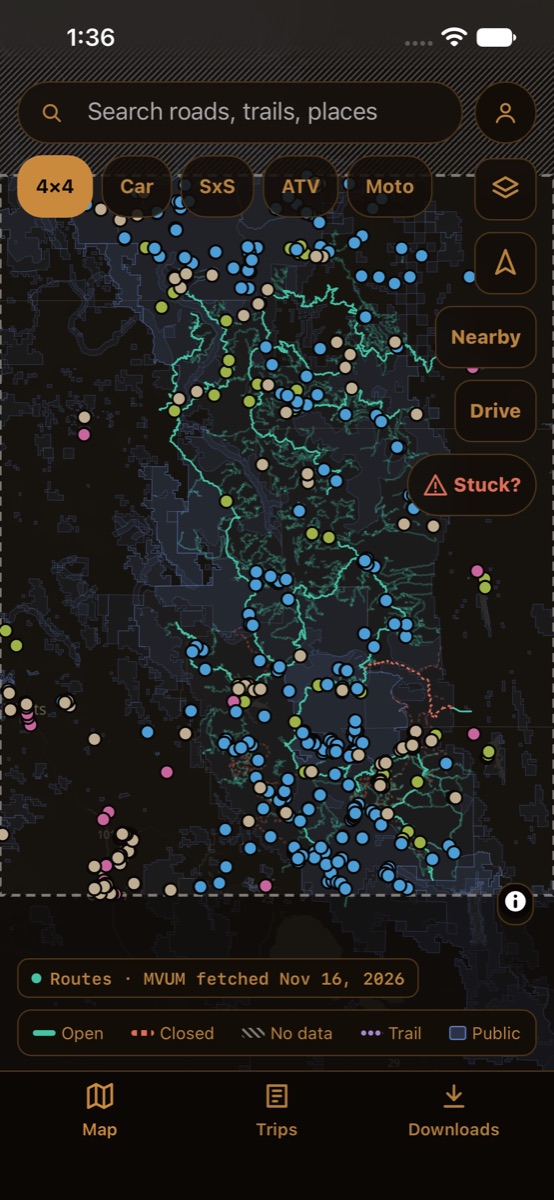
The Stuck? button is on the map and in Drive mode. Your coordinates are pinned at the top of every screen, ready to read out.
How it works
The right help first
Hurt or in danger goes straight to calling 911. A flat or dead battery points to roadside assistance. Stuck or broken off-road builds a recovery request.
A request that's ready to send
What happened, how many people, and water and food, plus your rig, battery, whether you have data and the distance back to pavement along your way in.
Send it your way
Alert your trip's members, text someone, copy a post for a recovery group, or use a version of 160 characters or fewer for a satellite messenger, with the coordinates never cut off.
Honest when unsure
If the distance to pavement isn't known, it says "not known," never zero.
Your coordinates, always on screen.
Read them to a dispatcher or a friend with a winch, even with no signal.
160
characters or fewer for a satellite text, coordinates never cut
Plain characters only, so a satellite messenger never shortens it.
4
ways to send it: your trip's members, a text, a recovery-group post or a satellite text
Turnout is not an emergency service. In an emergency, call 911.